A Podcast How-To Guide

Whether you’re a seasoned podcaster or just getting started, this guide will walk you through everything you need to know to make the most of our professional recording space.


Learn how to book the room, set up the equipment, and optimize your audio quality for a seamless recording experience. We’ve also included troubleshooting tips and best practices to help you sound your best. Need assistance? Our team is here to support you every step of the way.
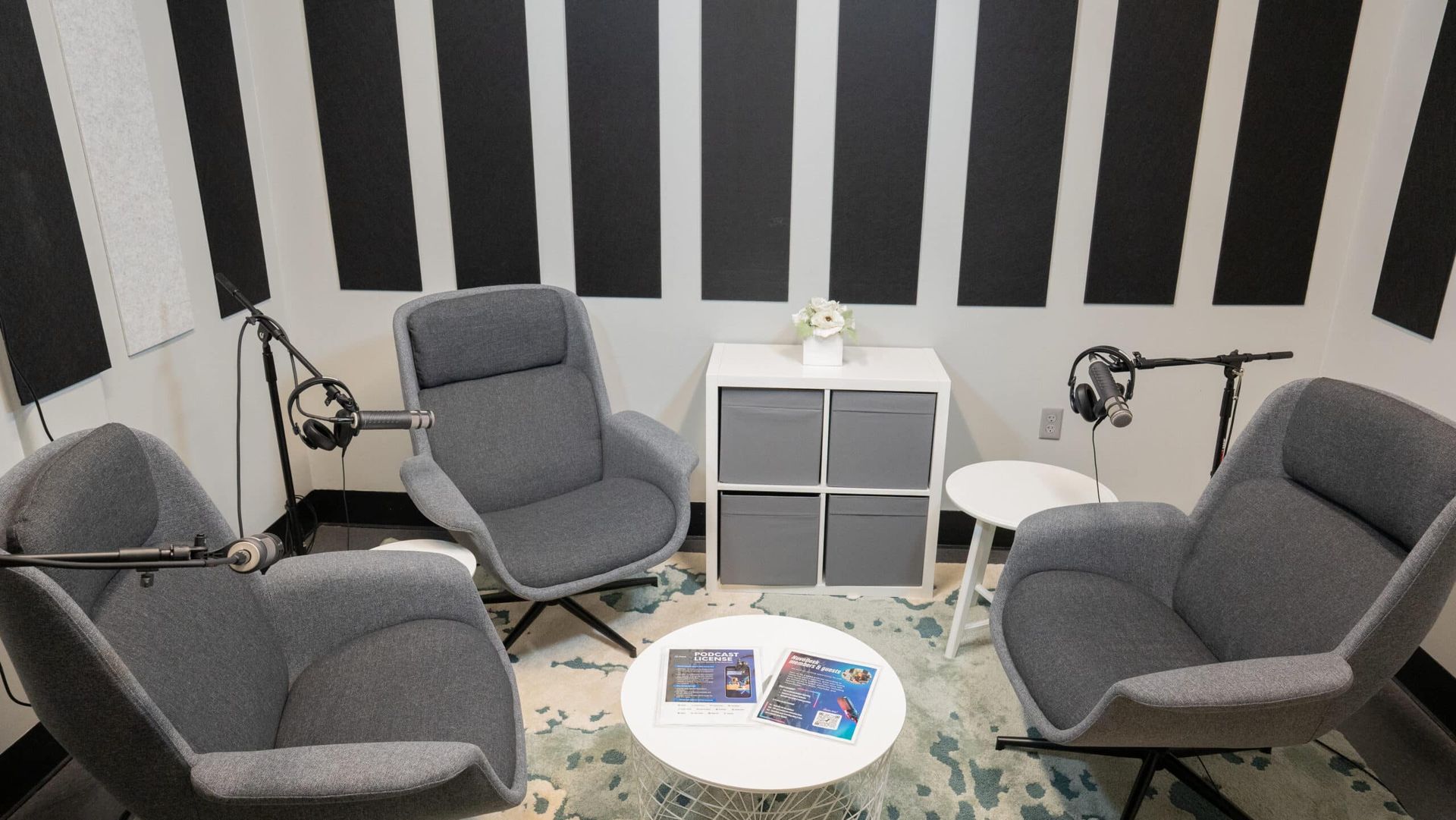
Small lounge with gray chairs, white side table, black-and-white striped wall, and a round rug with magazines.

8 Easy Steps

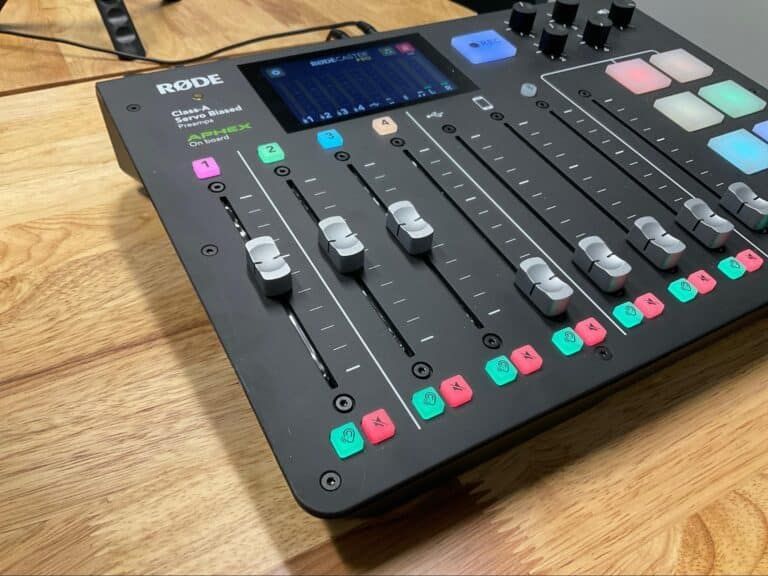
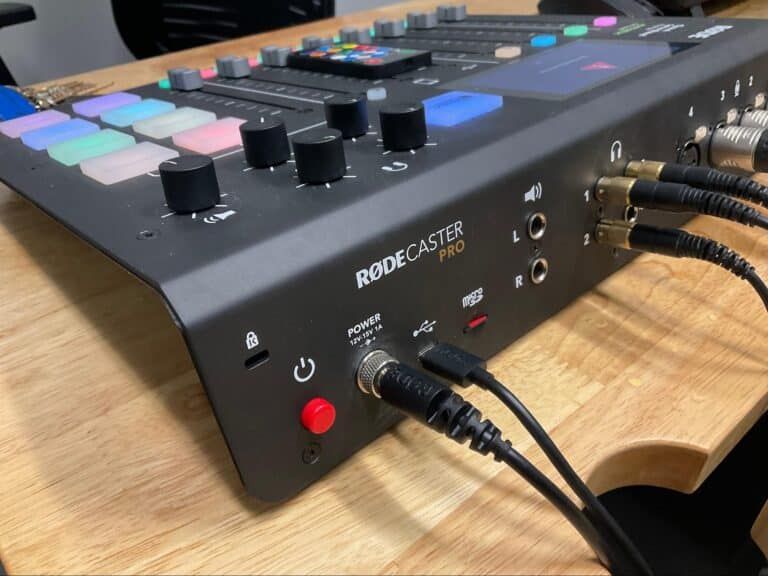
Turn on RODE Caster Pro board

Turn on Board

Redcaster audio mixer with colorful pads and knobs on a wooden desk, close-up of connected cables

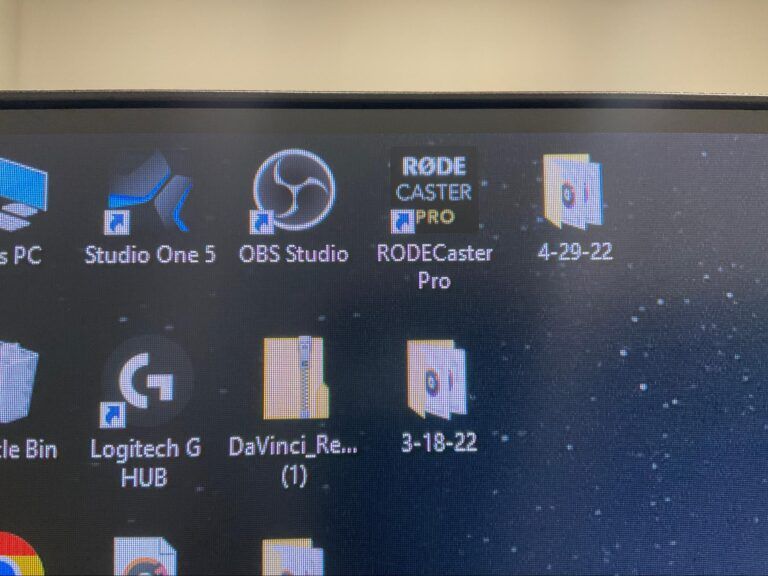
Open OBS Studio and RODE Caster Pro programs on the computer

Open Programs

Redcaster audio mixer with colorful pads and knobs on a wooden desk, close-up of connected cables

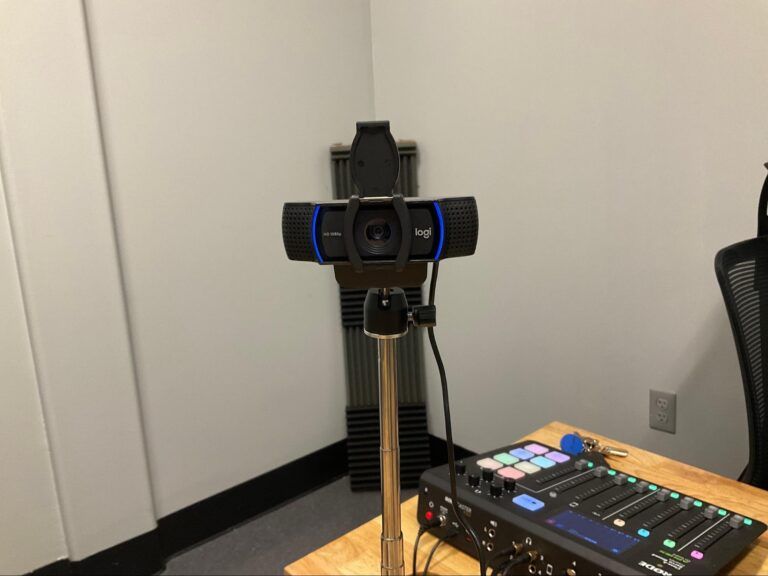
Lift lens protector on cameras

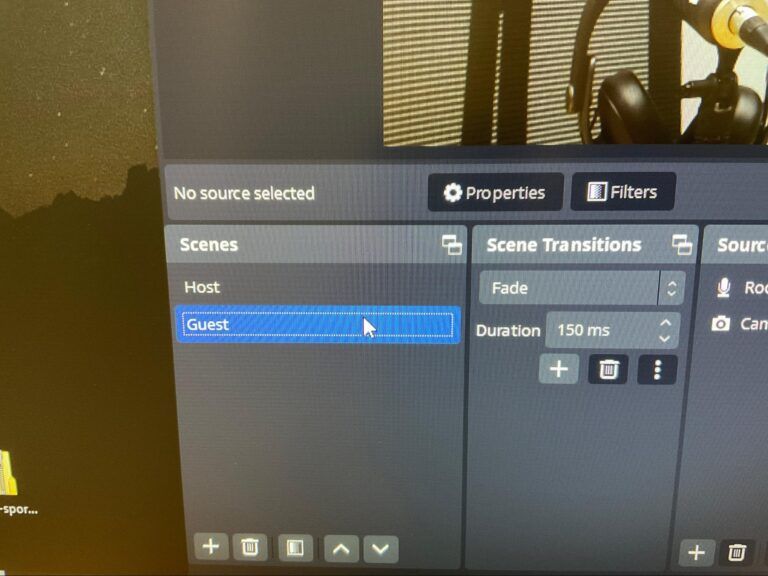
You can change the scenes in OBS Studio by clicking the up and down arrows on the host and guest scenes.

Setup Cameras

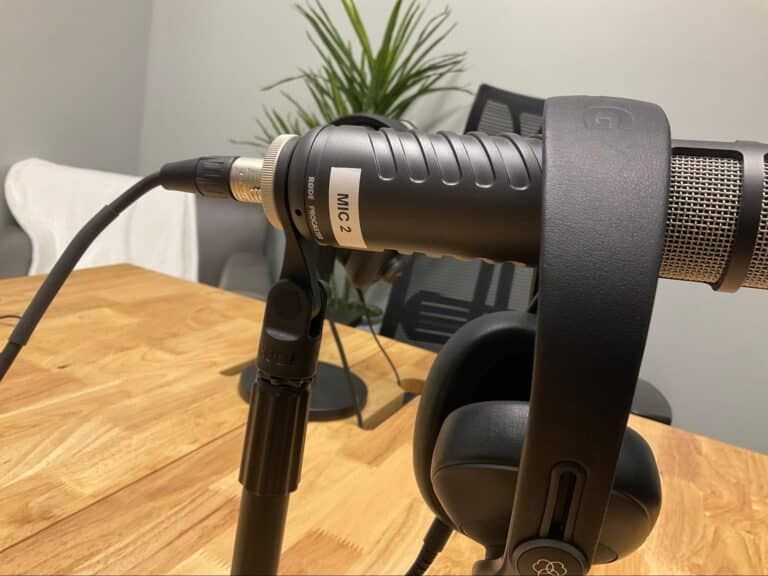
  1. Each microphone is labeled with a matching headset
  2. On the RODE Caster Pro board the numbers are paired with the microphone number

Test Microphones

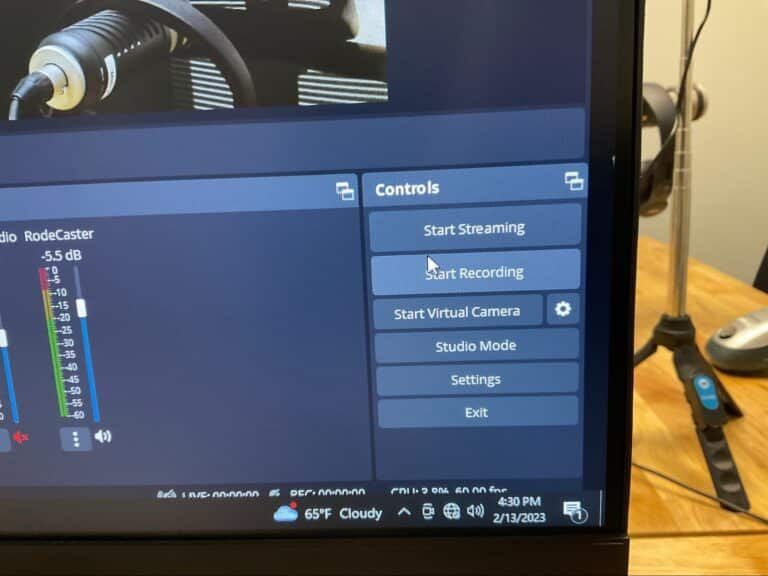
  1. Click the “Start Recording” button in OBS
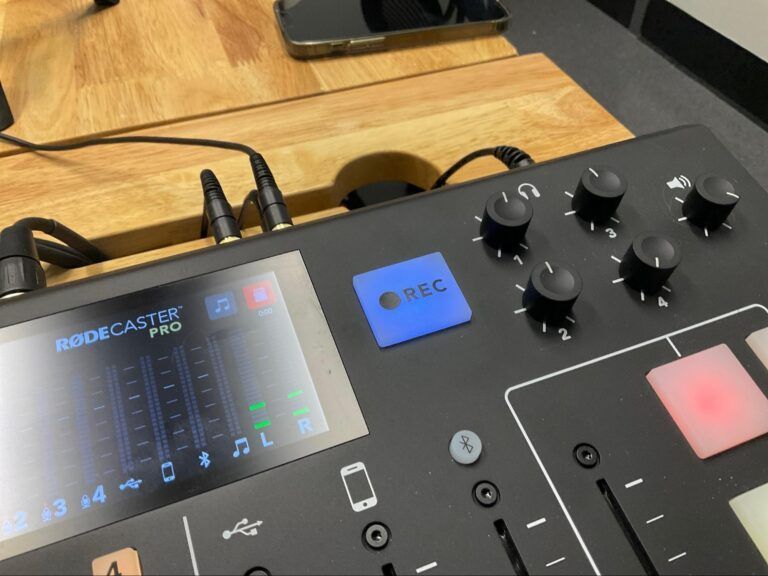
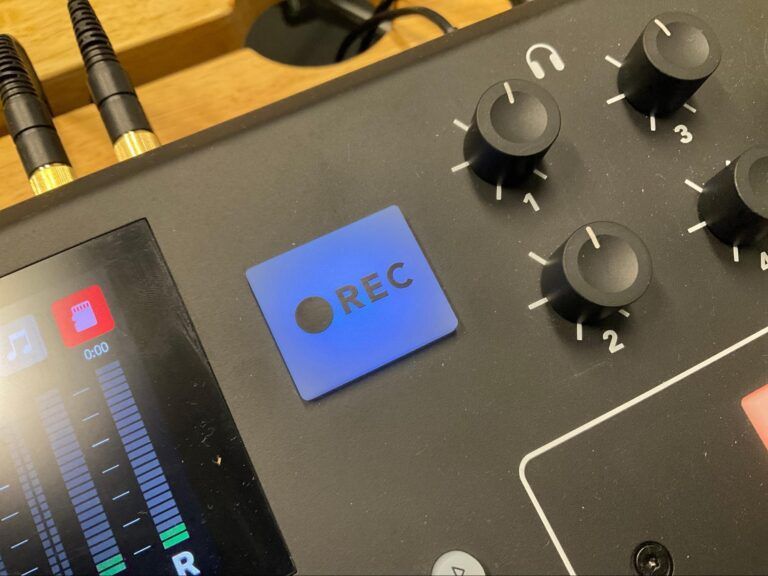
  2. Click the “REC” button on the RODE Caster Pro board and it will turn red once it starts recording

Start Recording

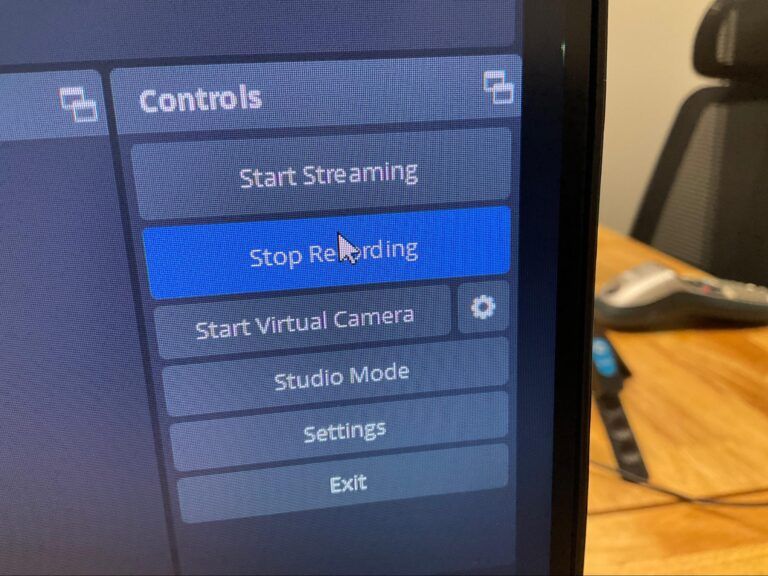
  1. When done recording click “Stop Recording” in OBS
  2. Click the “REC” button on the RODE Caster Pro board and it will turn blue once it stops recording

Stop Recording

  1. Connect the USB drive to the computer
  2. OBS MP4
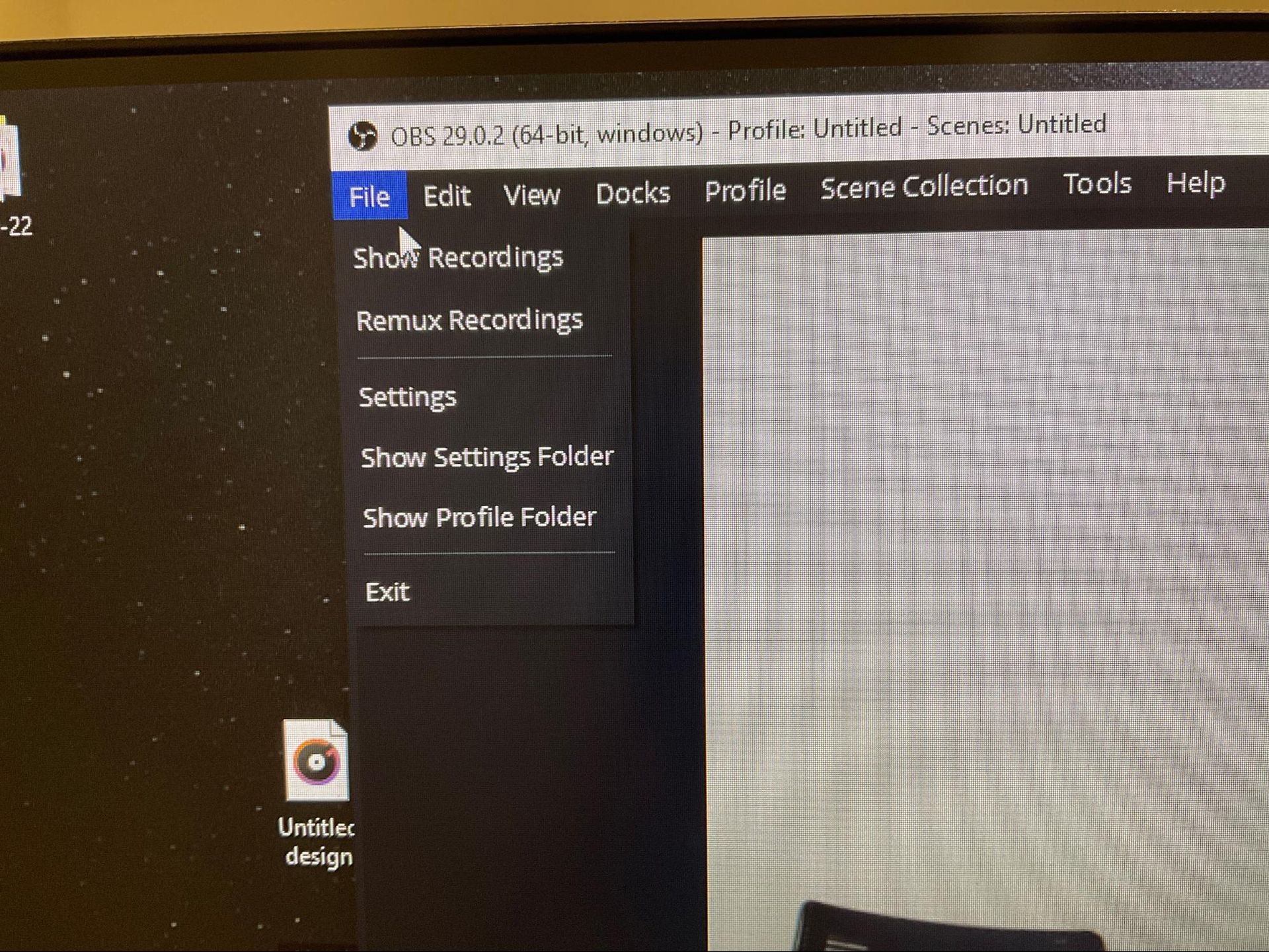
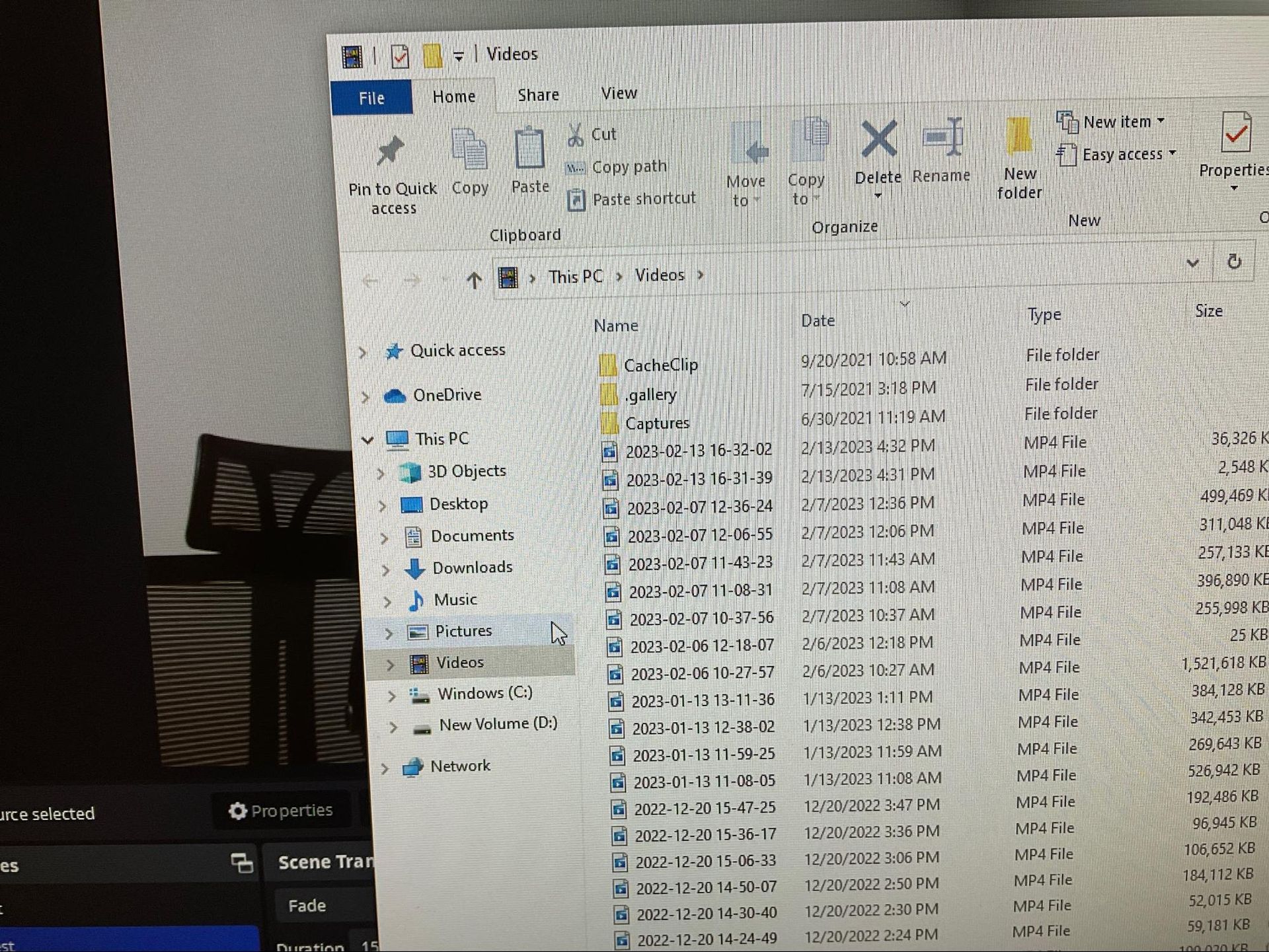
  3. Click File > Show Recordings
  4. Move your recording to your USB drive
  5. Match the day and time to find the recording that belongs to you
  6. RODE Caster MP3
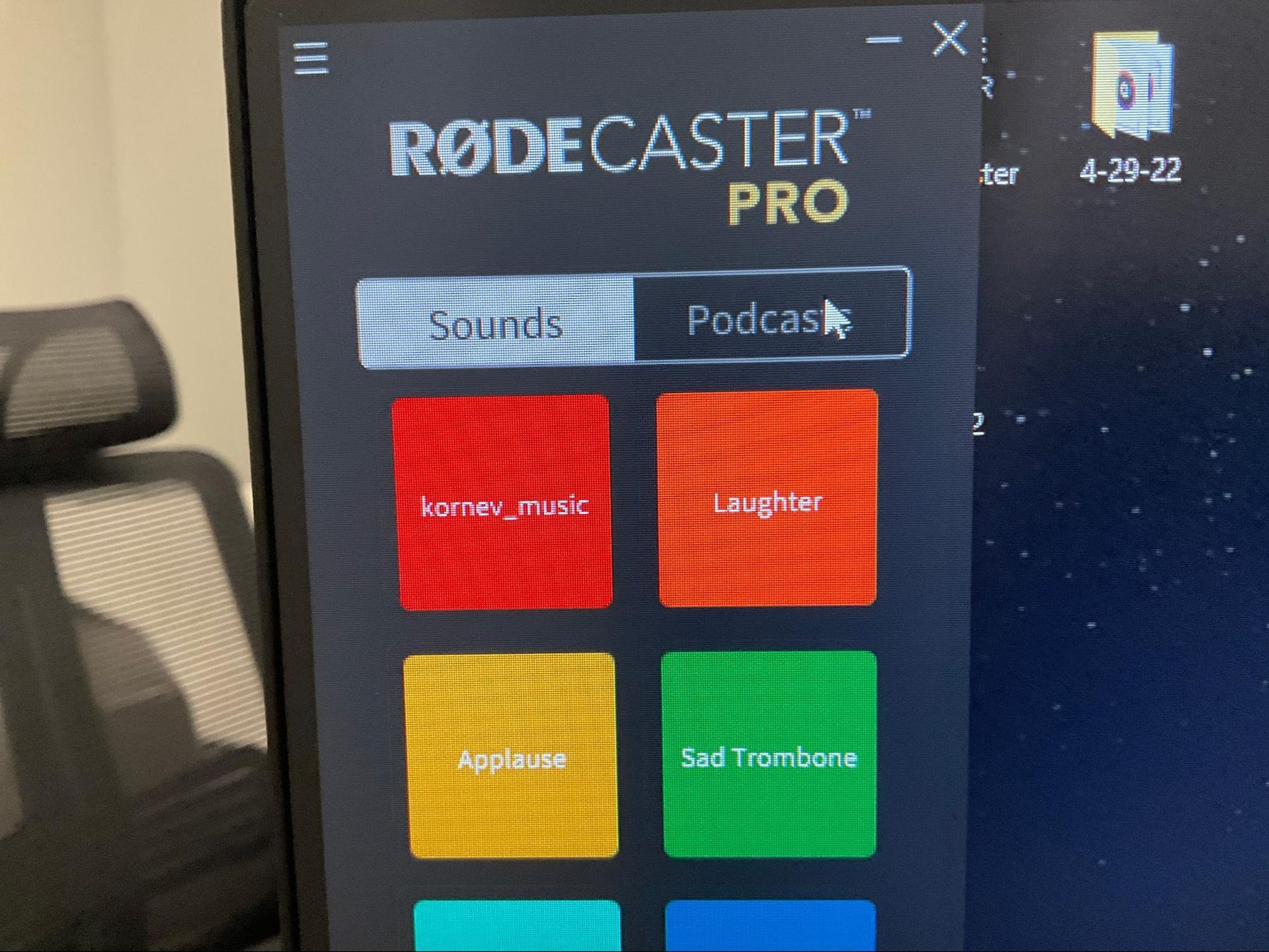
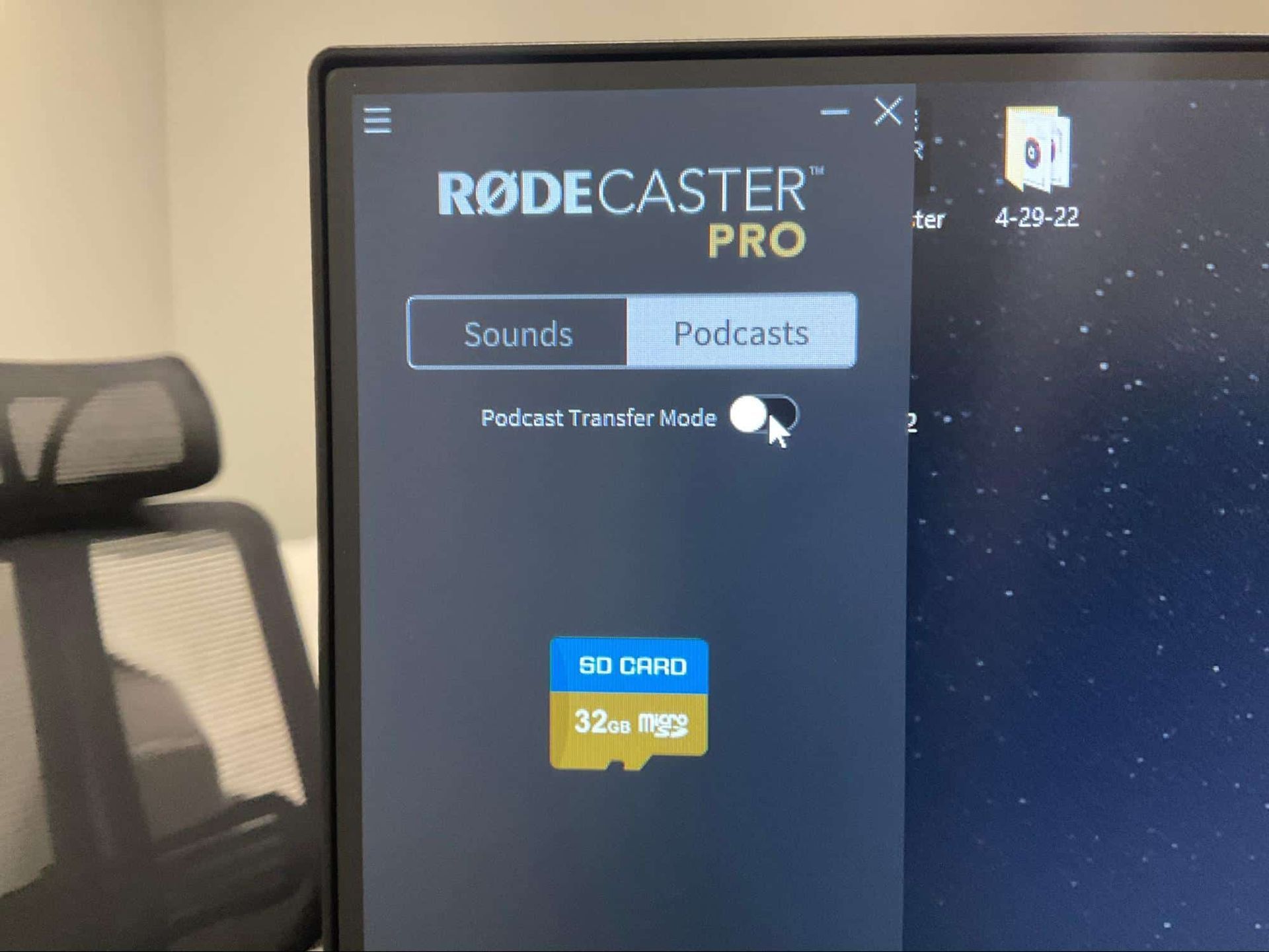
  7. Click on Podcast
  8. Turn on Podcast Transfer Mode
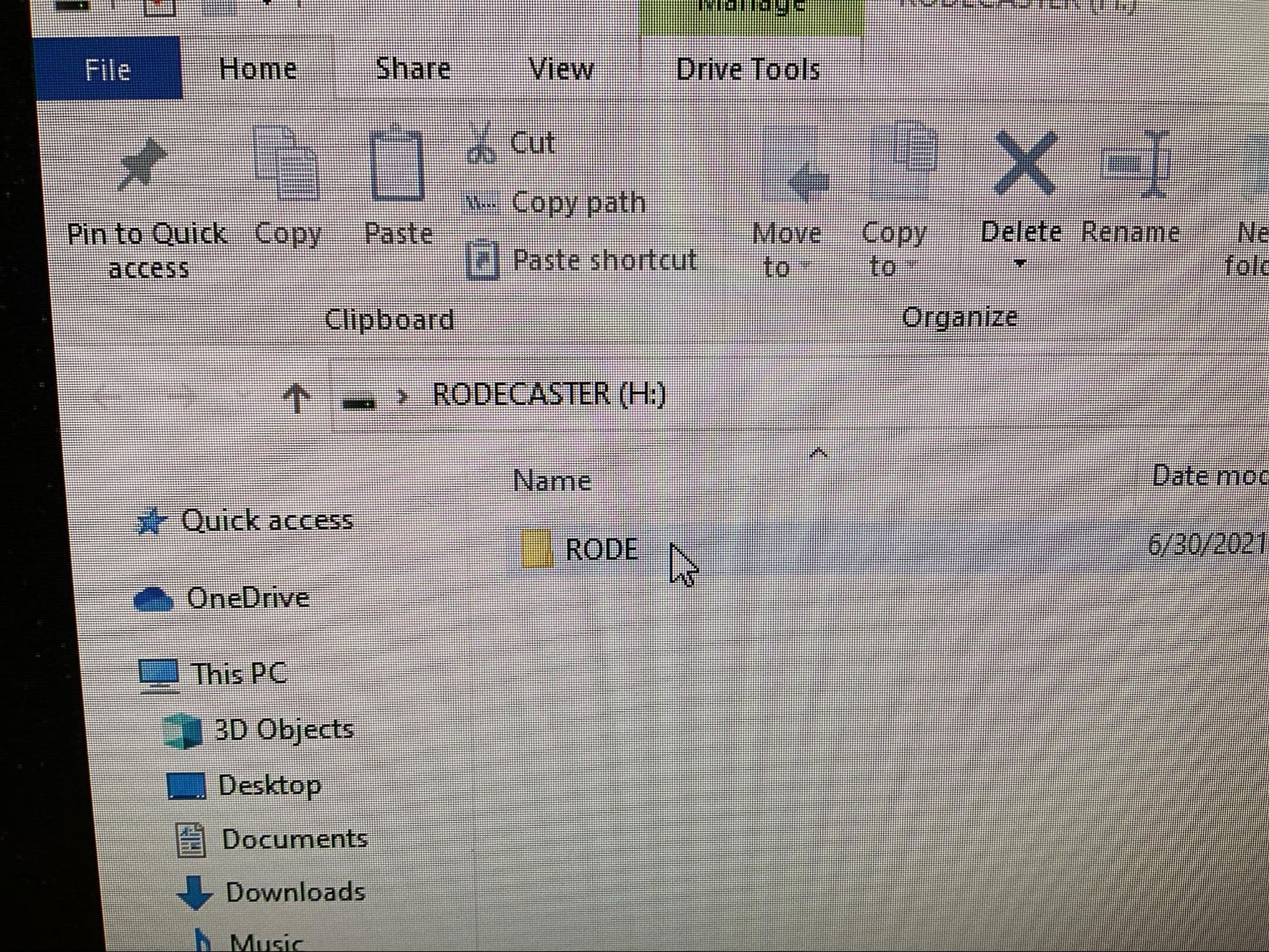
  9. Double-click on the “RODE” file
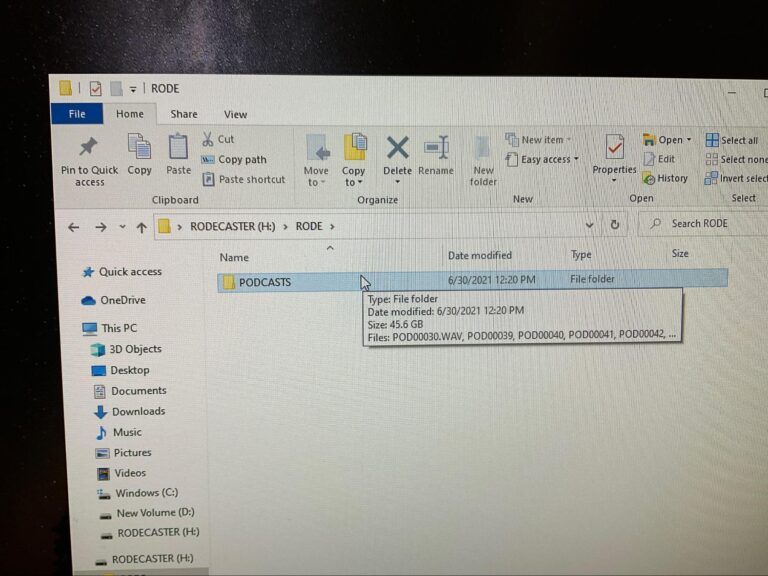
  10. Double-click on the “PODCASTS” file
  11.  Transfer all files to the USB

Downloads Recordings

  1. Close all programs on the computer
  2. Shut down the computer
  3. Turn off the RODE Caster Pro
  4. Close all the lens protectors on the cameras
  5. Hang all headsets on microphones
  6. Please be sure to clean up before you leave

Closing Podcast Room

Ready to Visit NuvoDesk?